· FabLab Westharima Team · 3D Printer · 4 min read
[2025] 3D Printer Beginner Guide | From Getting Started to Success Tips
For 3D printer beginners, explaining how to get started based on the latest 2025 information. Introducing recommended models, necessary software, and tips for success from real experience.
“I want to start 3D printing, but what should I prepare first?” Are you having such concerns?
Actually, 3D printers are easier to start than you think.
This article explains how to start with 3D printers for complete beginners based on the latest 2025 information.
📖 For detailed operation procedures: → 3D Printer Basic Operation Manual
What is a 3D Printer?
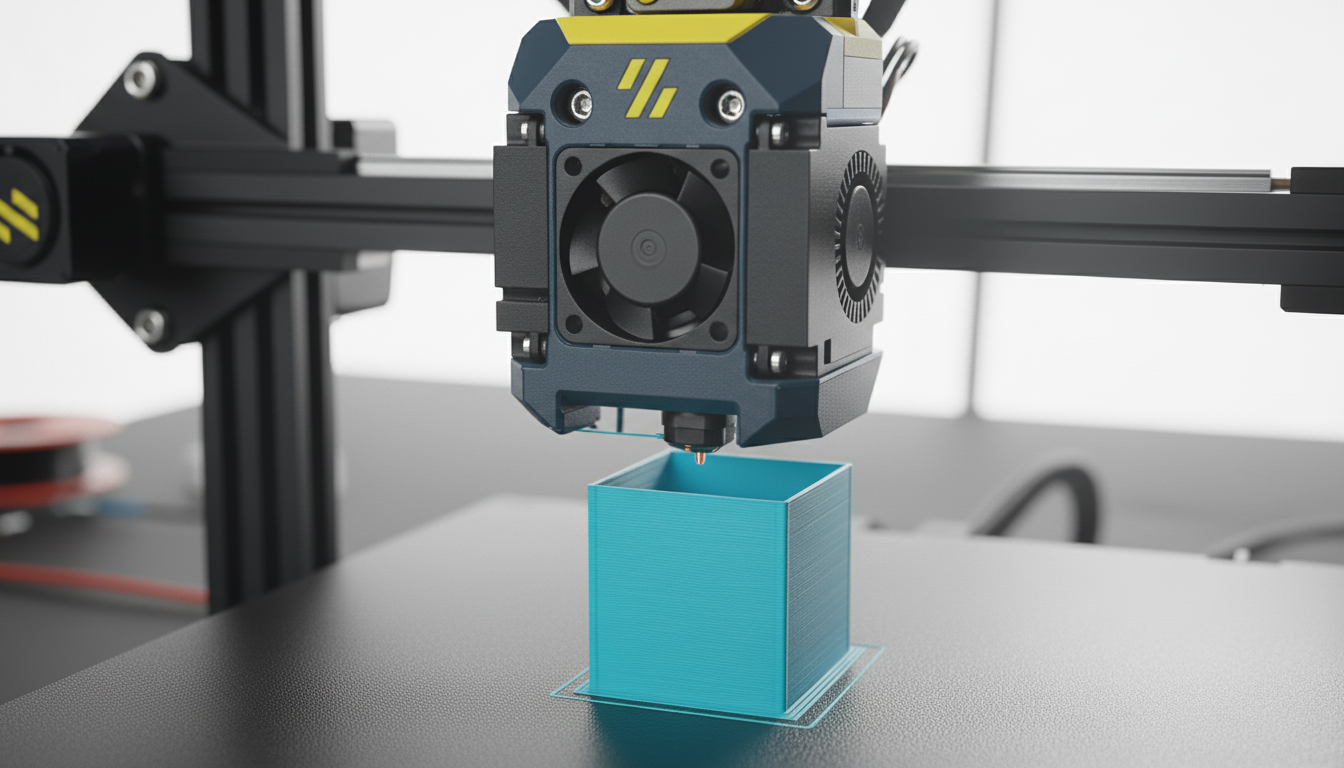
A 3D printer is a machine that creates three-dimensional objects by layering materials such as resin based on 3D data created on a computer. You can create various things such as figures, repair parts for daily necessities, and original goods.
As of 2025, home 3D printers have become more affordable and higher performance. Beginner-friendly models can be purchased from the $150 range, and now that the technology has matured, it’s the best time to start.
Main Types
There are two main types beginners should know:
- FDM (Fused Deposition Modeling): Melts and layers resin filament. Most popular for home use with excellent cost performance.
- Resin Printing (SLA/LCD): Hardens liquid resin with light. Suitable for precise figures and detailed beautiful modeling.
For beginners, FDM type is recommended as it’s easy to handle and material costs are low.
2025 Trends
3D printing technology is evolving rapidly.
- Standardization of Auto-Leveling and AI Functions: Automatic bed adjustment and failure detection functions have become common. Failures reduced even for beginners
- Multi-Color Printing: Printers that can switch between multiple colors have become affordable
- High Speed: Printing that used to take 8 hours now completes in 2-3 hours
- Rich Information: Abundant information on YouTube, Discord, Reddit. Solutions found immediately when in trouble
Compared to a few years ago, the current environment is really blessed. Even I, who felt weak at it until a few years ago, now feel that tasks have drastically decreased.
Recommended Models
2025 Recommended Models: For beginner-popular Bambu Lab series (A1 mini/P1S), detailed comparison review in separate article. If you’re wondering “which model to buy”, please see this as well.
→ Bambu Lab 3D Printer Thorough Comparison Review: A1 mini vs P1S
You can start from about $200 with minimum configuration, or about $400 with complete set.
Recommended Software
3D Data Download Sites
First practice with existing data. You can download STL format data for free from these sites:
- Thingiverse: World’s largest. Millions of data items for free
- Printables: Many high-quality data
- MyMiniFactory: Quality-focused
CAD Software (3D Modeling)
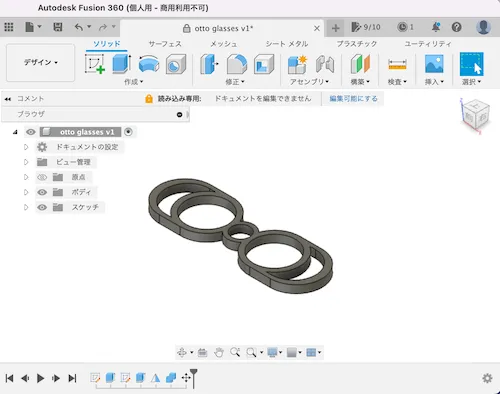
If you want to create original modeled objects, use CAD software.
- Tinkercad (Free): Runs in browser. Intuitive and beginner-friendly
- Fusion 360 (Free for personal use): Serious design possible. Rich tutorials
- Blender (Free): High functionality but steep learning curve
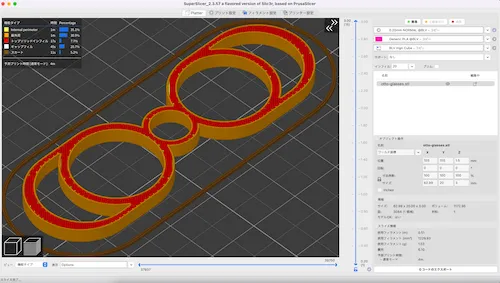
Slicer Software
Software to convert 3D data to G-code.
Beginners should first use the manufacturer’s genuine slicer of purchased printer.
- Presets are optimized so no settings needed
- Few troubles and easy to receive support
Examples: Bambu Studio (Bambu Lab), Creality Print (Creality), AnkerMake Studio (AnkerMake), etc.
When using multiple models or want more detailed settings:
- UltiMaker Cura (Free): Most popular general-purpose slicer
- PrusaSlicer (Free): High functionality with detailed settings possible
Recommended Beginner Projects
For those wondering “What should I make first?”, here’s recommended order.
| Order | Project Name | Reason | How to Find Data |
|---|---|---|---|
| 1st | Cable Holder | No support needed, completes in 30 min, practical | Search “cable holder” on Thingiverse |
| 2nd | Phone Stand | Support practice, usable daily | Search “phone stand” on Thingiverse |
| 3rd | 3DBenchy | Performance check, understand quality of settings | 3DBenchy Official |
When Accustomed: Try small containers, key holders, figures, repair parts, etc.
Point: Start from small and simple shapes. Accumulating successful experiences is key to maintaining motivation.
Keys to Success
- Quality Filament: Too cheap materials have uneven diameter causing troubles
- Slicer Settings: 80% of quality is determined here
- Regular Maintenance: Regularly check belts, nozzle, bed leveling
From experience: After output start, observe whether problems occur for several layers, if no problem then leave to 3D printer.
Next Steps
Once you master basics, move forward.
| Step Category | Specific Action Examples |
|---|---|
| Level Up | - Polish CAD skills and try self-modeling - Try other materials like ABS, PETG, TPU after getting used to PLA |
| Community Participation | - Publish works on Thingiverse, Printables - Learn techniques from other users on YouTube |
| Practical Use | - Create repair parts for daily necessities - Produce figures, miniatures, model parts - Prototype production and original goods sales |
3D printers expand possibilities from “want to try” to “master” and then “create”. Please start your 3D printer life referring to this article!